Why Every AI Video Has That Same "AI Look," and How to Lose It
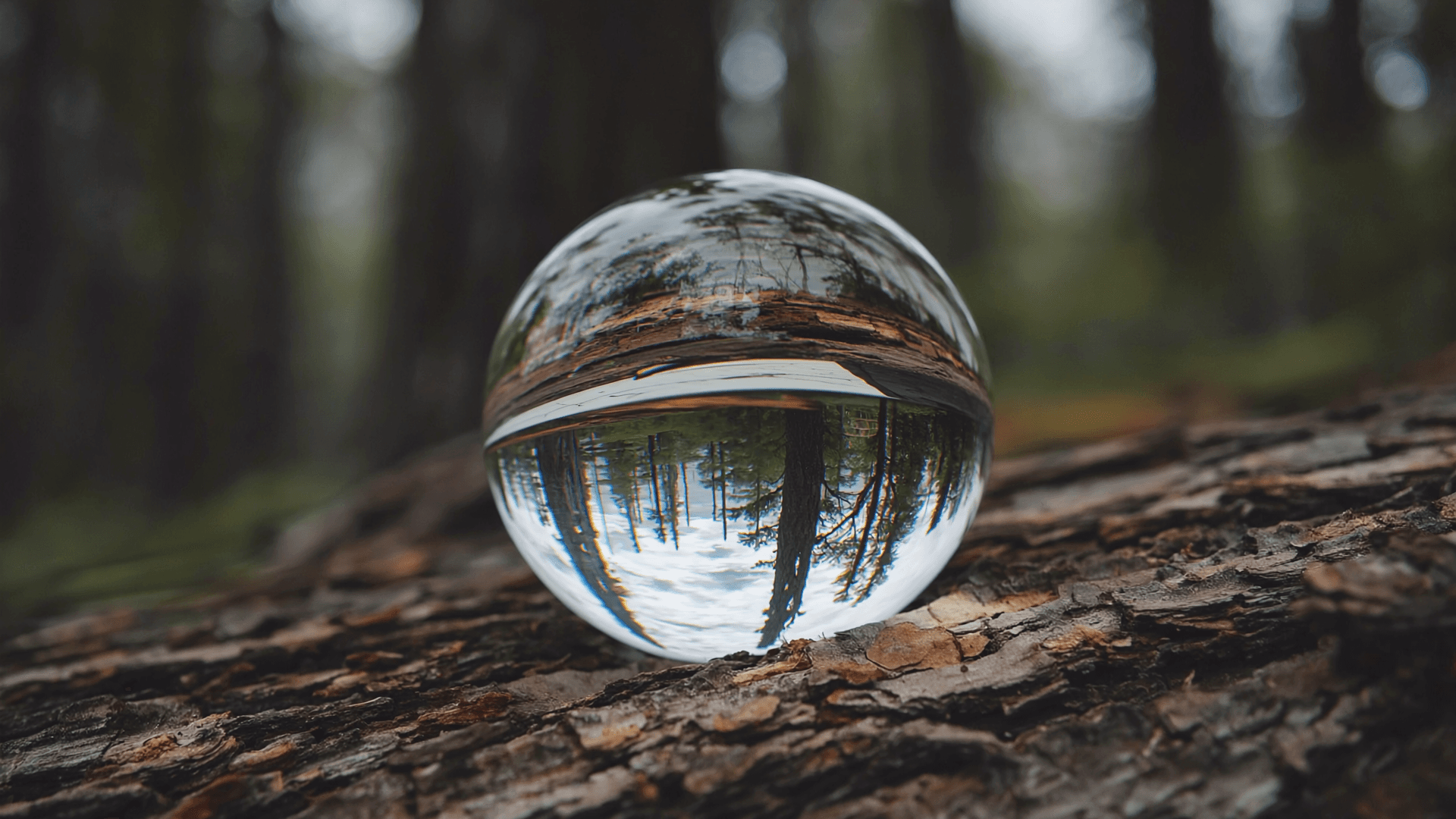
Show someone ten seconds of footage and a lot of them can guess it’s AI-made before anything actually goes wrong in the shot. Nothing glitches, nothing looks impossible. It just looks a little too clean, and that instinct is picking up on something real.
Texture that never sweats
Skin, wood grain, fabric weave, tree bark, wet stone: all of it comes out slightly smoothed over by default, since the model is averaging across a training set that skews toward well-lit, well-composed, camera-ready footage. Real surfaces carry small imperfections a polished shot rarely does. Naming the imperfection directly in the prompt, visible pores, weathered grain, a chip in the paint, pulls the output away from that default toward something a camera would actually catch.
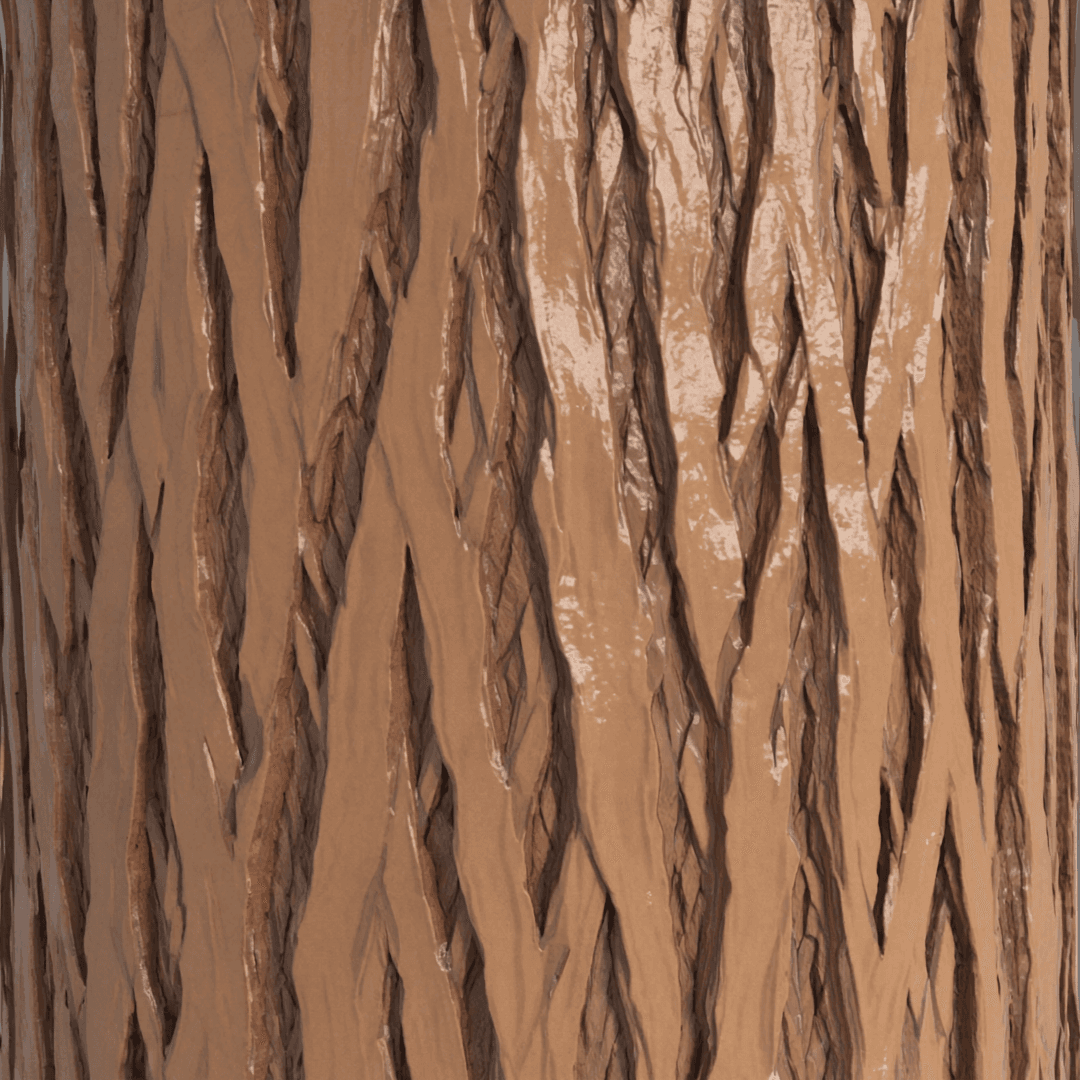 Before
"tree bark"
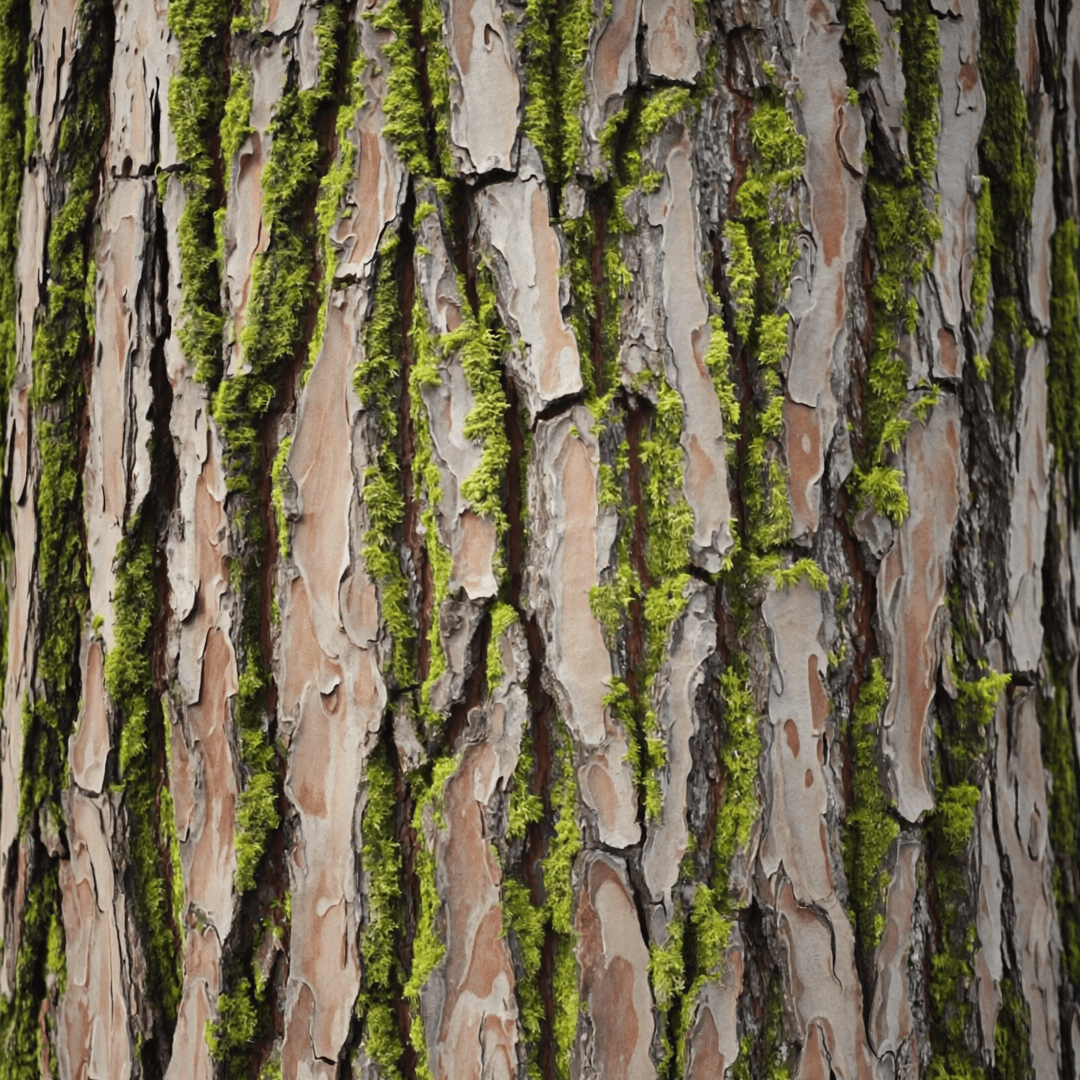 After
After"tree bark, weathered, deep grain, patches of moss"
Faces regress to the mean
Averaged across enough training footage, a face pulls toward whatever’s most common in that footage: symmetric, unblemished, a fairly narrow range of expressions caught on camera. That’s part of where the specific flavor of AI face comes from, not any one wrong feature, just an overall pull toward the statistical middle of attractive, well-lit portraiture. Naming something specific and a little off-center in the prompt, a crooked smile, a scar, deep laugh lines, gives the model a reason to move away from that default instead of landing on it automatically.
Motion that’s too polite
Real handheld footage carries small, constant imperfections: a slight wobble, an uneven walking pace, a camera that overcorrects for a second before settling. A model interpolating motion tends to smooth all of that into something evenly paced and perfectly steady, which reads as synthetic even when nothing in the frame is technically wrong. Asking for handheld, slight drift or uneven pace, slows near the turn puts a little of that imperfection back in.
Motion blur is a feature real cameras have by default
A camera capturing a fast swing or a passing car smears it slightly across the frame, motion blur, because the shutter stays open for a sliver of time while the subject moves. A lot of generated video renders every frame crisp and sharp no matter how fast something in it is moving, which is part of what gives quick motion that slightly unreal, video-game-cutscene look. Asking directly for motion blur on the fast part of a shot, and sharp focus on whatever’s still, brings back a cue real footage has by default and generated video tends to drop.
cinematic motion, dynamic, high detail
motion blur on the swing, sharp focus on the follow-through
Color that’s a little too obedient
Left with a vague style cue, a model tends to land on an evenly graded, symmetrically lit default: warm highlights, cool shadows, nothing blown out, nothing muddy. Real light is rarely that considerate. One window throws warm light unevenly across half a room and leaves the other half in shadow. Naming the actual light source and letting the rest of the frame go dark or blown out where it naturally would gets closer to how a lens actually sees a room than any generic color-grade instruction does.
Ask me to keep one thing imperfect on purpose: uneven light, a rough surface, a wobble in the camera. A flaw named on purpose reads as intentional. The same flaw showing up by accident just reads as a glitch.