How to Prompt AI Video Like a Director, Not a Typist
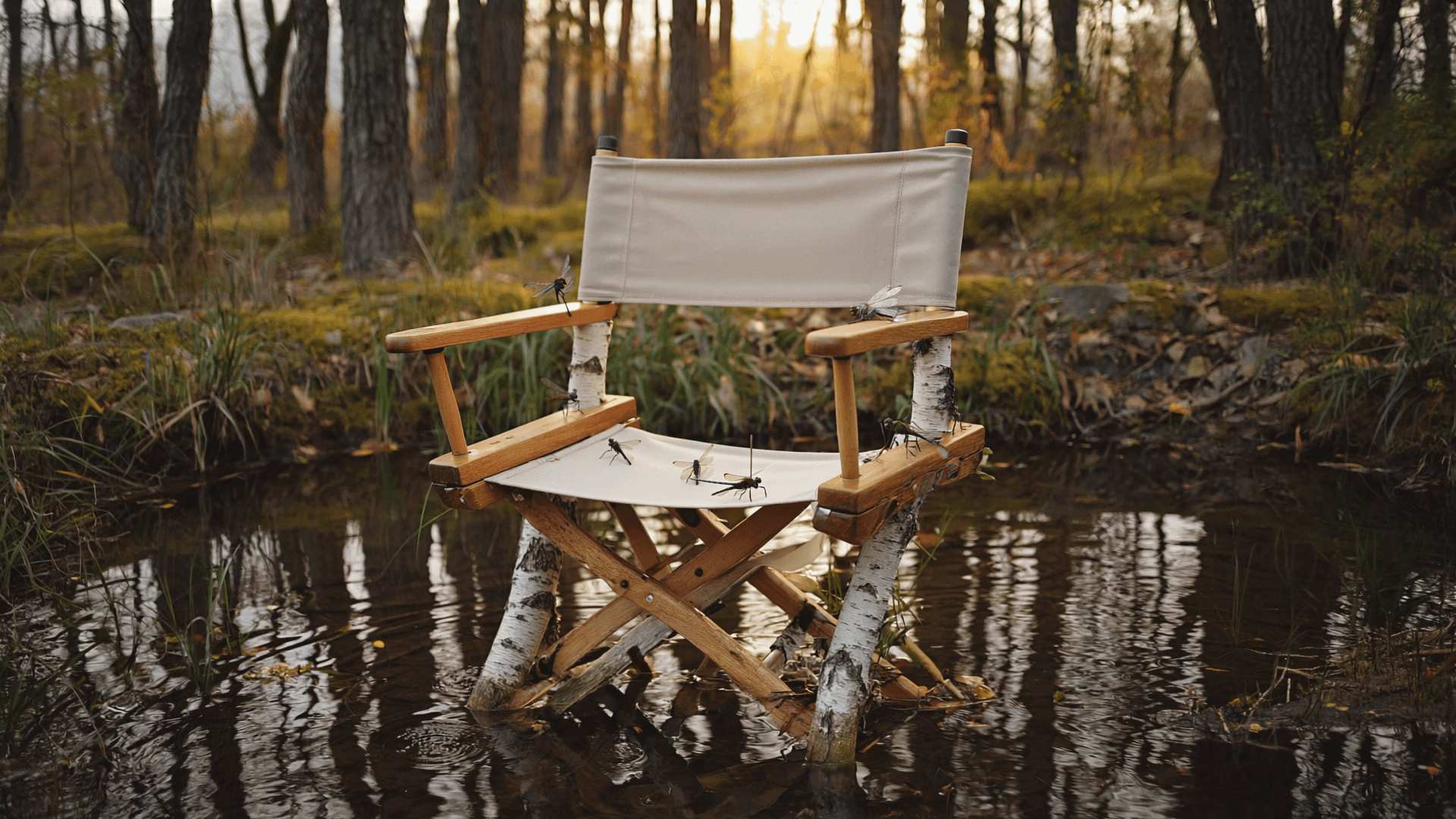
Ask ten people how to write a good AI video prompt and eight of them hand you a list of adjectives: cinematic, 4K, dramatic lighting, ultra-detailed. None of it moves the needle the way it does on a still image, because a video model isn't judging your vocabulary. It's trying to animate an action, and most prompts never give it one.
Stop describing a picture
A typical first prompt reads like a photo caption: a woman in a red coat walking through Tokyo at night, neon lights, cinematic. That sentence works for a single frame. Video needs a beginning and an end inside a few seconds. Swap it for a woman in a red coat turns her head toward a passing train, coat catching the wind, and the model has something to animate.
a woman in a red coat walking through Tokyo at night, neon lights, cinematic
a woman in a red coat turns her head toward a passing train, coat catching the wind
One action per shot
Stack three ideas into a prompt (she runs, ducks under an umbrella, and laughs at the camera) and most models pick one, blend two badly, or lose the timing. Four to six seconds isn’t much room. Pick the single action that matters and let the rest of the scene hold still around it. The umbrella moment and the laugh are two shots, not one.
Give the camera a job
Cinematic means nothing to a model. Slow push in does. Handheld, slight shake does. Static wide shot does. Camera language is one of the few things these models were trained on directly, so a handful of terms go a long way: push in, pull out, pan, tilt, handheld, static, tracking shot. Pair the move with a speed and the result gets even more reliable: slow push in reads differently than fast push in, and naming both stops the model from picking a default pace that might not fit the mood.
a fox stands at the edge of the alley, slow push in, handheld, slight shake
Light like a cinematographer, not a filter
Moody lighting is a mood-board caption, not an instruction. A model can’t look up what moody means to you. Window light, late afternoon, long shadows across the floor tells it exactly where the light sits and what it does to the room. A single bare bulb with a harsh shadow directly below reads nothing like the same room lit by golden hour rim light through a doorway, and naming the actual source, its direction, and what it does to shadow gets you there far more reliably than reaching for an adjective like moody or atmospheric and hoping the model shares your definition of it.
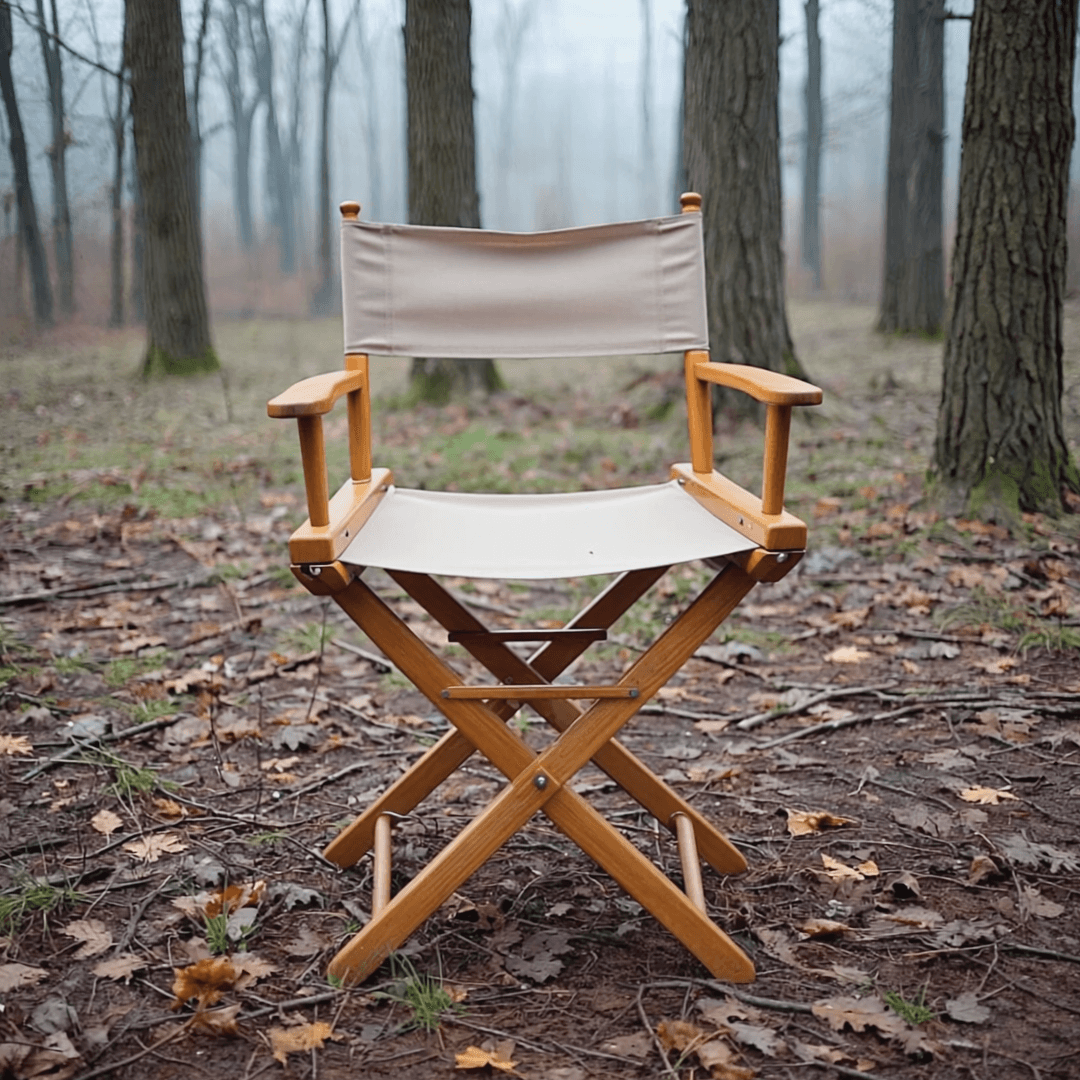 Before
"a chair in a forest"
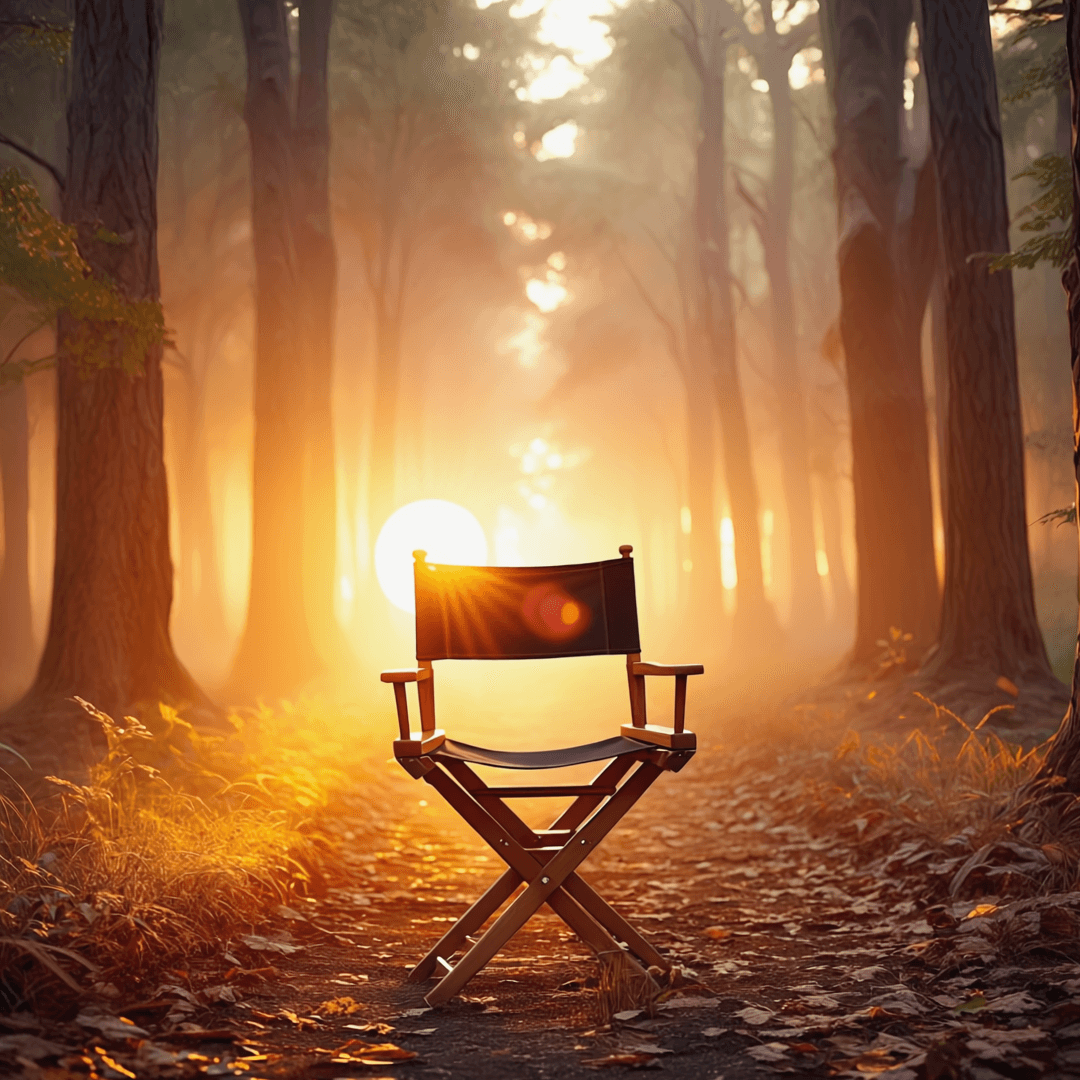 After
After"golden hour rim light, long shadows"
Structure four seconds like a story, not a snapshot
A clip that just shows something sitting there rarely feels like footage. A clip with a tiny arc, even a four-second one, does. A cat crouches low, ears flat, then leaps for the shelf gives the model a beginning state, a turn, and a release, and the resulting motion has a shape to it instead of drifting for the full duration. It doesn’t need to be complicated. It needs one change somewhere between the first frame and the last.
Talk to Zo like a DP, not a search bar
Chat exists so the first prompt doesn’t have to be perfect. Describe the shot in plain language, look at what comes back, then adjust one thing at a time: keep the framing, slow the movement down, or same shot, make it daytime. Changing a single variable per round teaches you what each word is actually doing, instead of guessing at a five-line prompt that half-works. Worth keeping a running note of phrases that worked once, camera terms, lighting setups, pacing words, since a phrase that nailed the mood on one shot usually nails it again on the next one with a similar feel.